
Step by Step Instructions on How to get started with OIP
-
Redeem Code
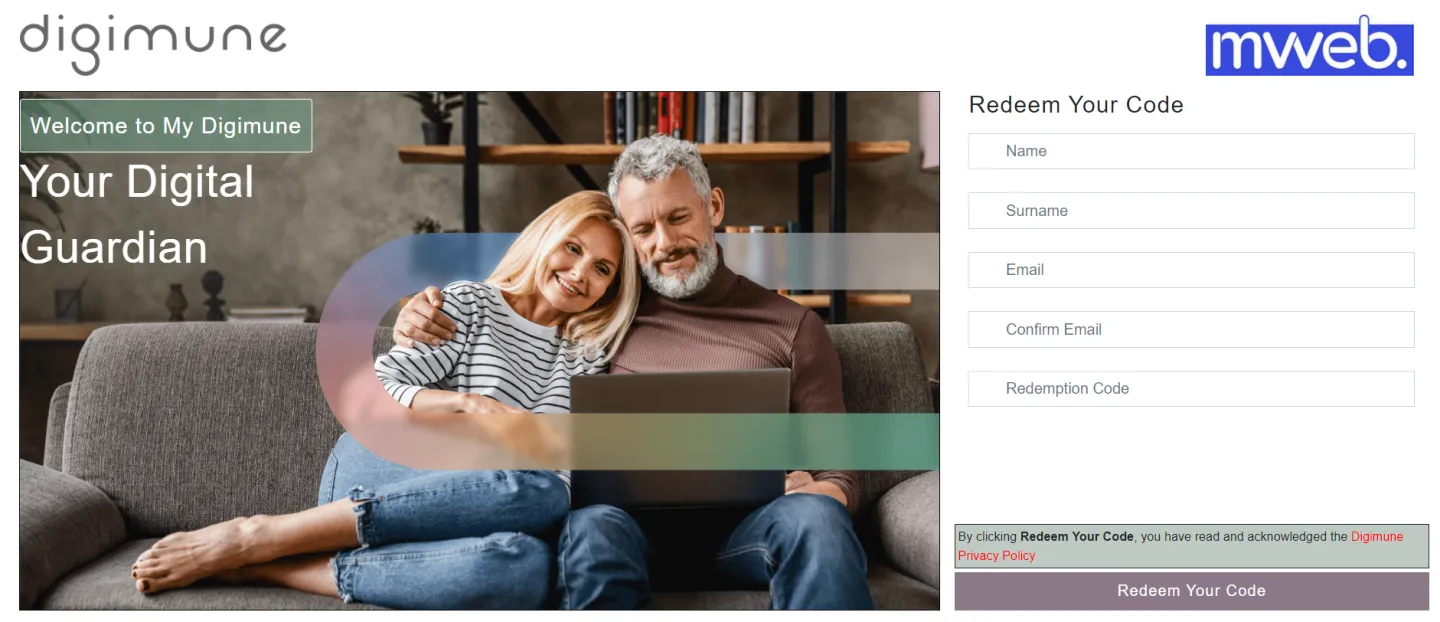
• Once your purchase has been completed on Mweb’s website, you will receive an SMS with a link and a redemption code.
• Click on the received link in the SMS (My-Digimune) and then enter your details and redemption code provided in the SMS.
-
Onboarding
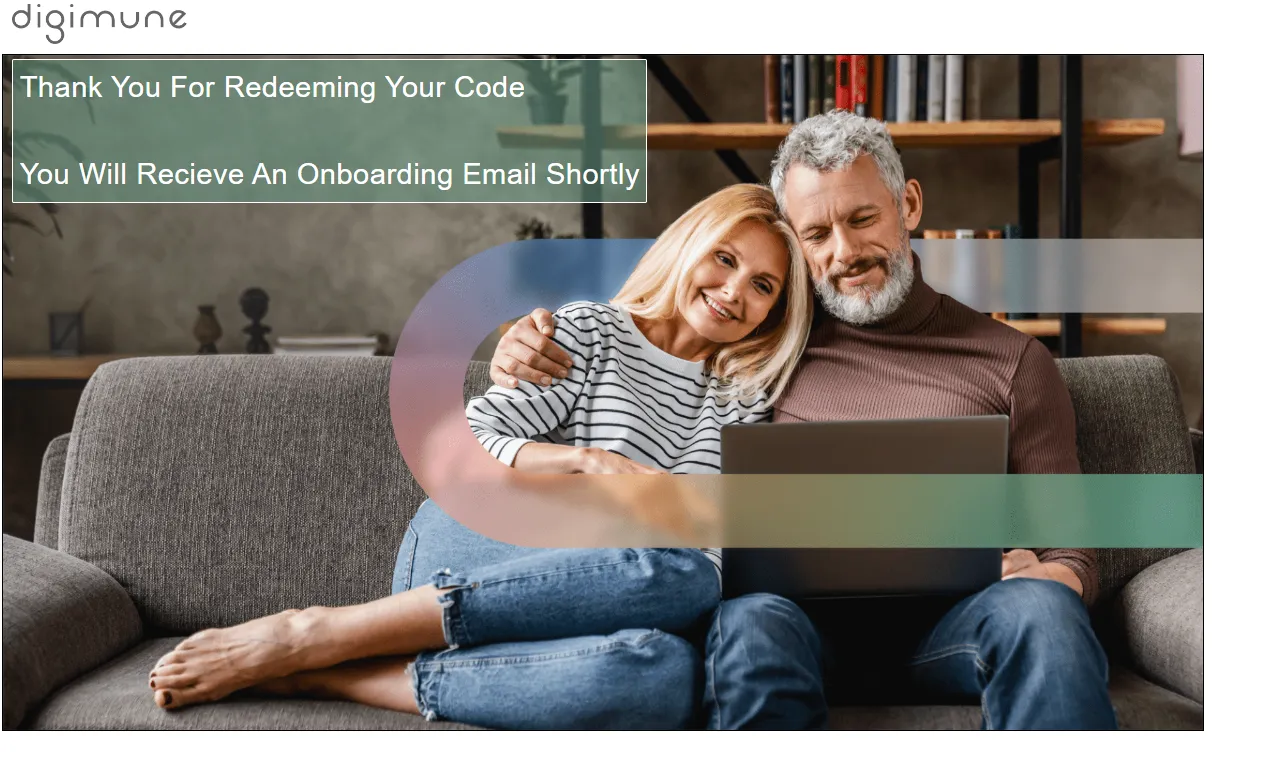
• You will now receive an email with a link to step-by-step set up instructions.
-
Receive email
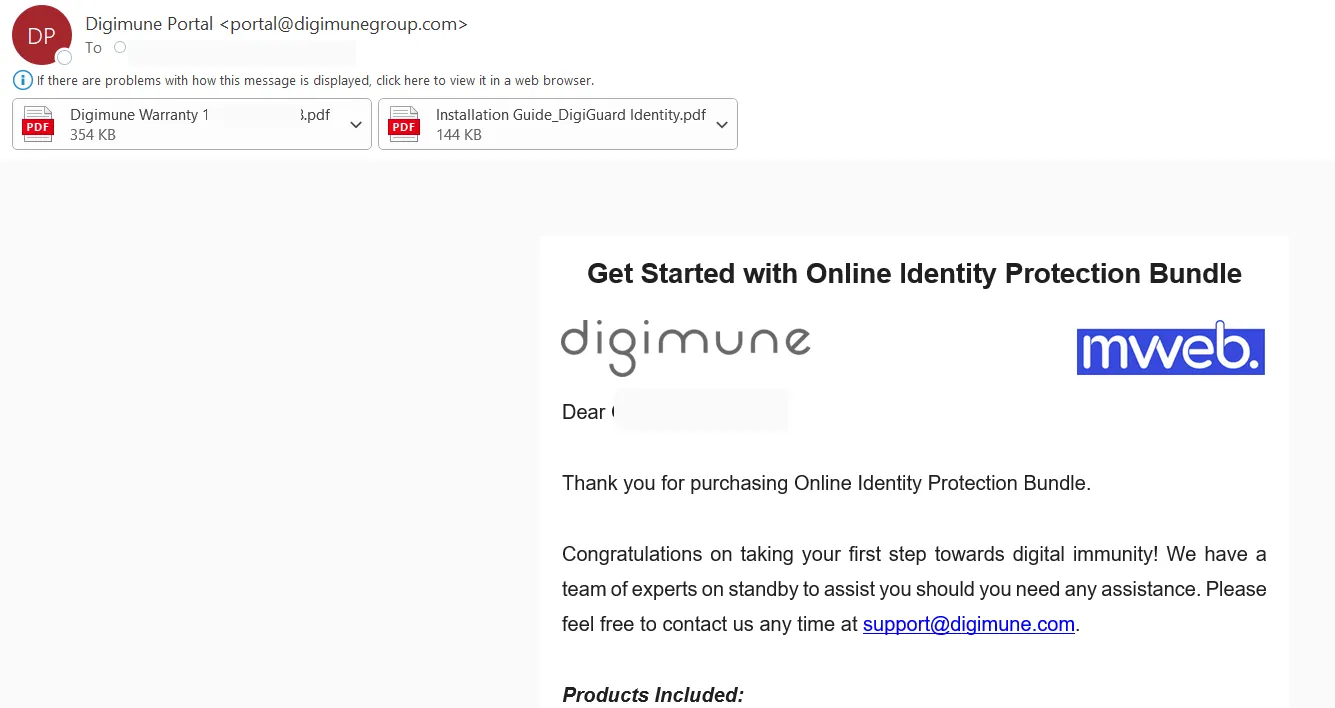
• You will receive an email from Digimune Portal portal@digimunegroup.com titled ‘Get Started with Online Identity Protection Bundle’’.
• This email will contain the links you will need to activate and / or install your products.
Was this article helpful?