
How to Setup VoIP Usage Notifications
Did you know that you can receive periodic SMS notifications to alert you to what percentage of the allocated minutes on your VoIP service have been depleted?
Your access details are always sent to you via sms and email when you sign up for a new product, but you can easily retrieve them online in just a few easy steps
When you are ready to proceed, simply login to your account at www.mweb.co.za and follow along.
If you’re not sure how to log in you can follow the steps in this guide.
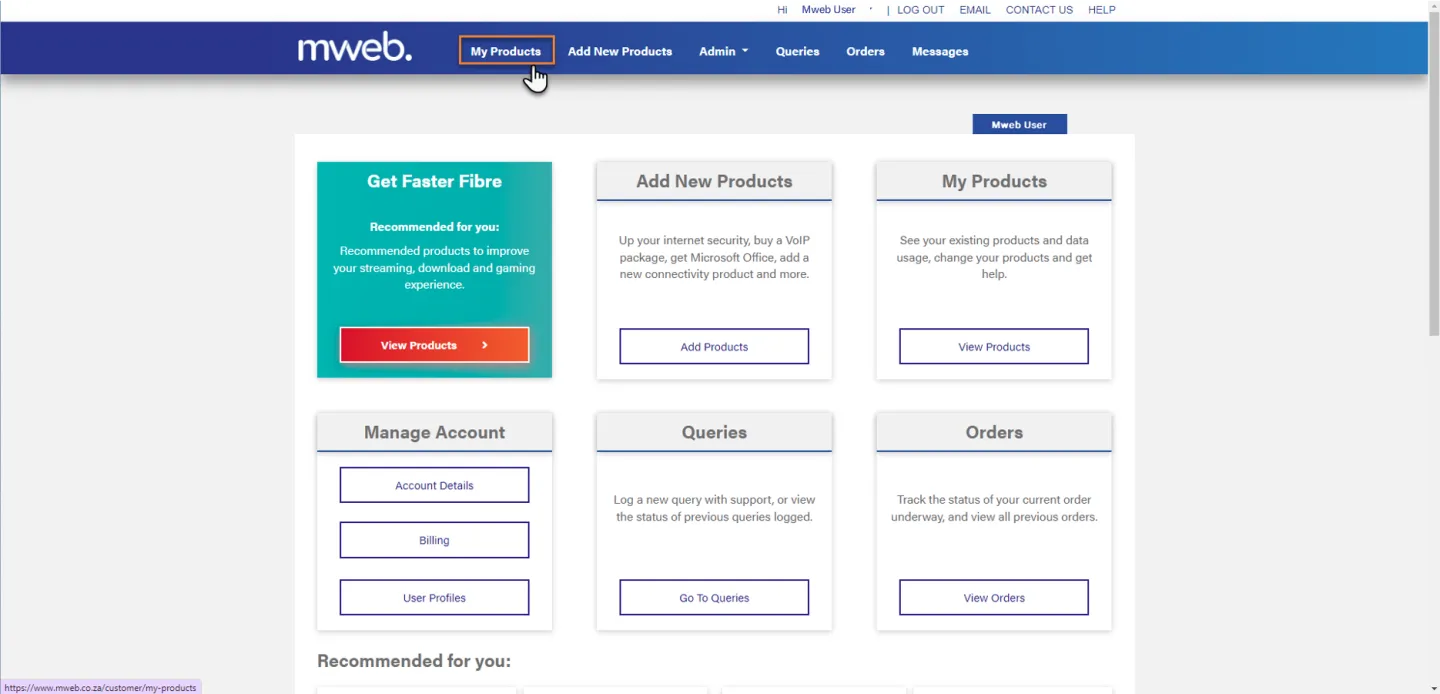
Navigate to My Products
Once you are logged in click on My Products from the menu bar.
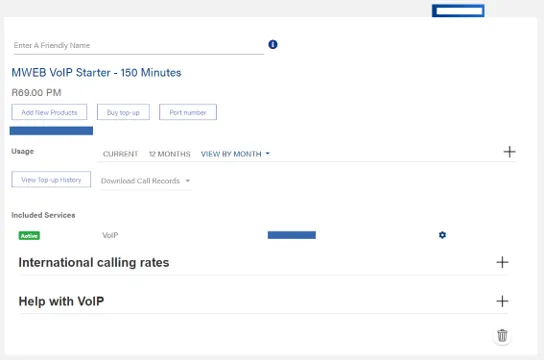
Find your VoIP Product
Scroll down to find your VoIP Product
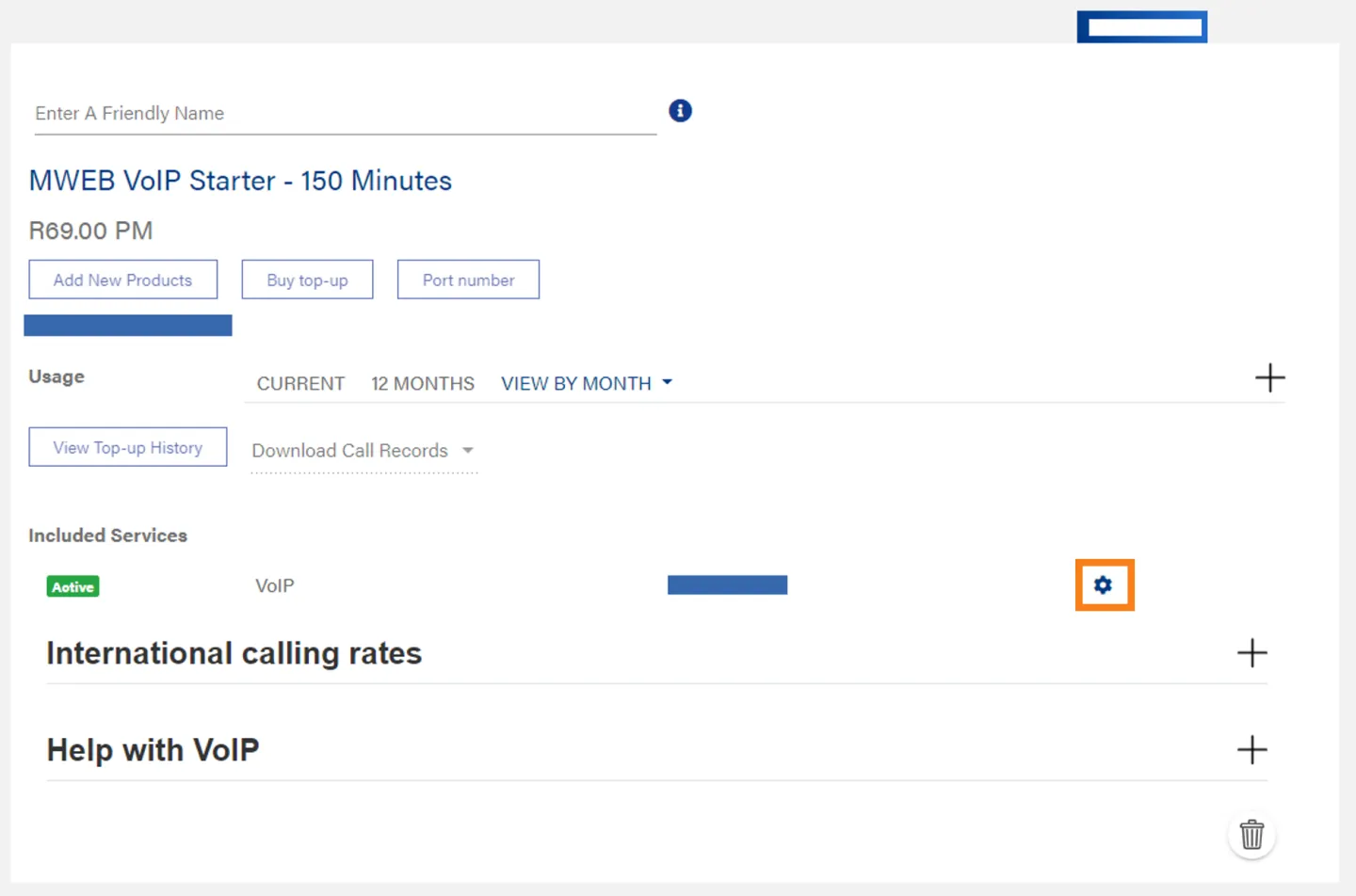
Open VoIP Service Settings
Click on the Cog to open the Settings screen.
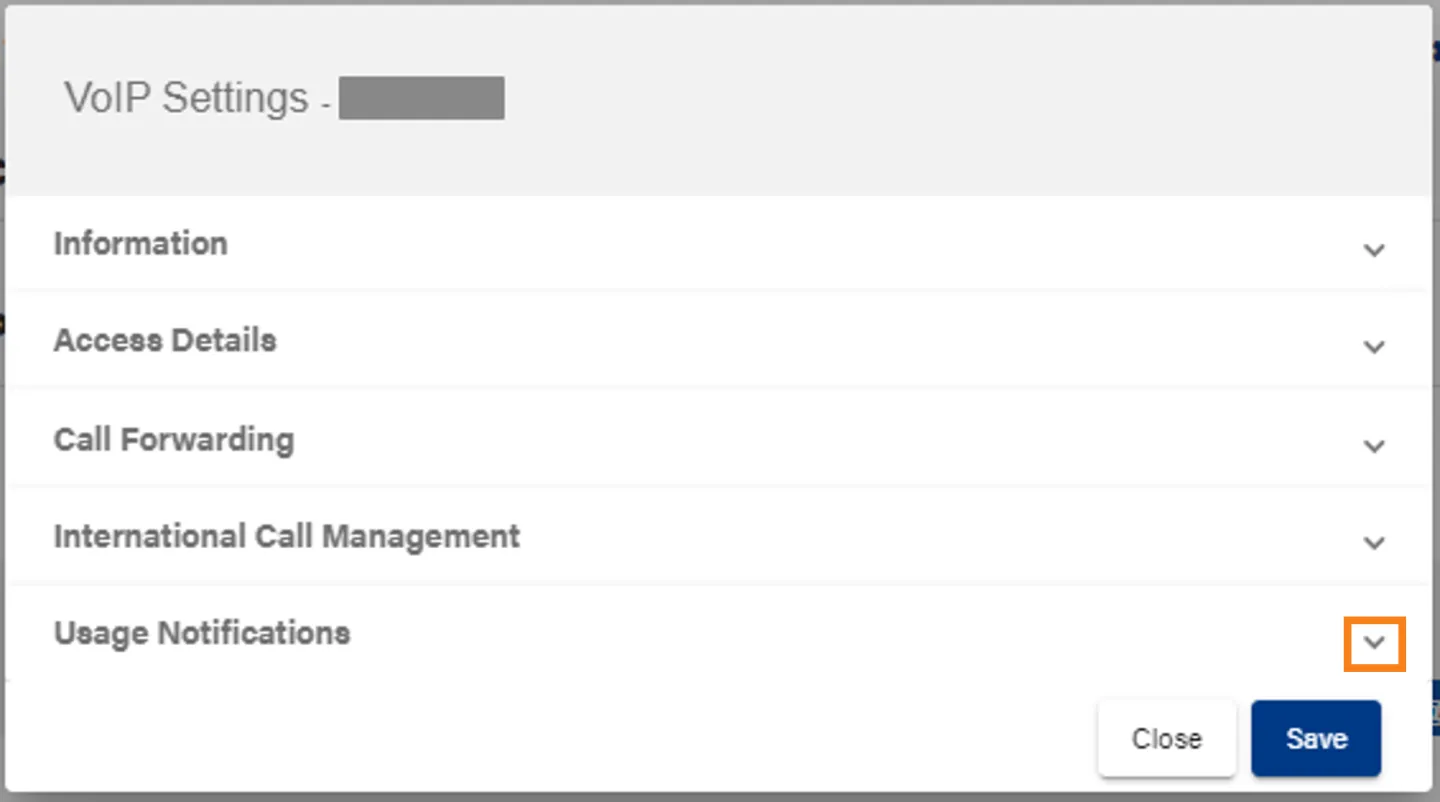
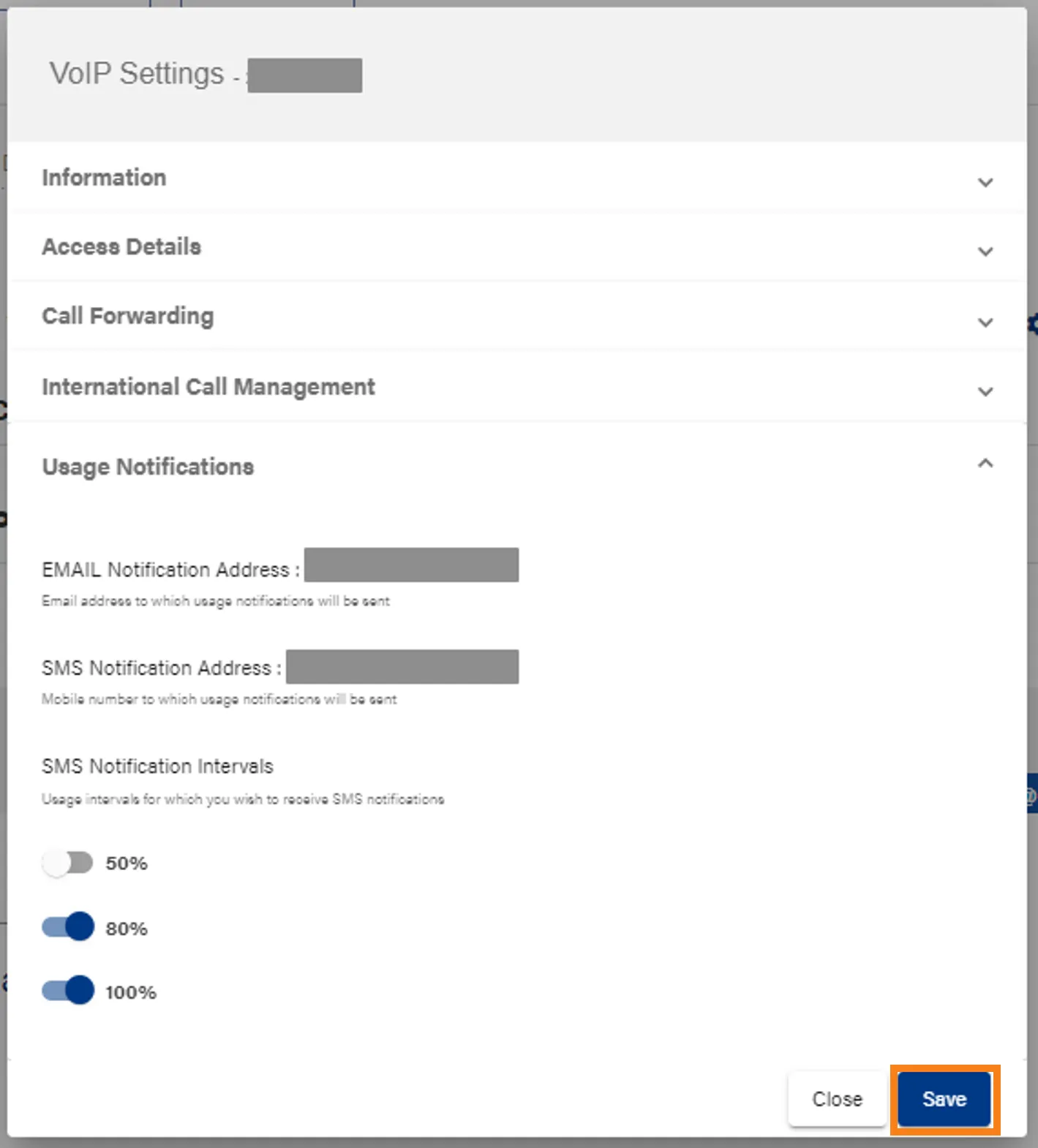
Open Usage Notifications
Click on the down arrow to expand the Usage Notifications Section.
Change Notification Settings
In the Usage Notifications Section you can:
- View the email address and phone number will receive notifications (these correspond to your contact email address and registered OTP numbers)
- Activate or Deactivate notifications at different usage thresholds.
Click Save, when you are finished changing Notification intervals
Was this article helpful?